
In a project with several balconies or windows, two net panels can look identical while differing in width, height, edge preparation, obstacle cutout, or material. A handwritten room number on one bag is easily lost. The safer method gives every opening a stable code and carries that code through survey, approval, cutting, packing, installation, and handover.
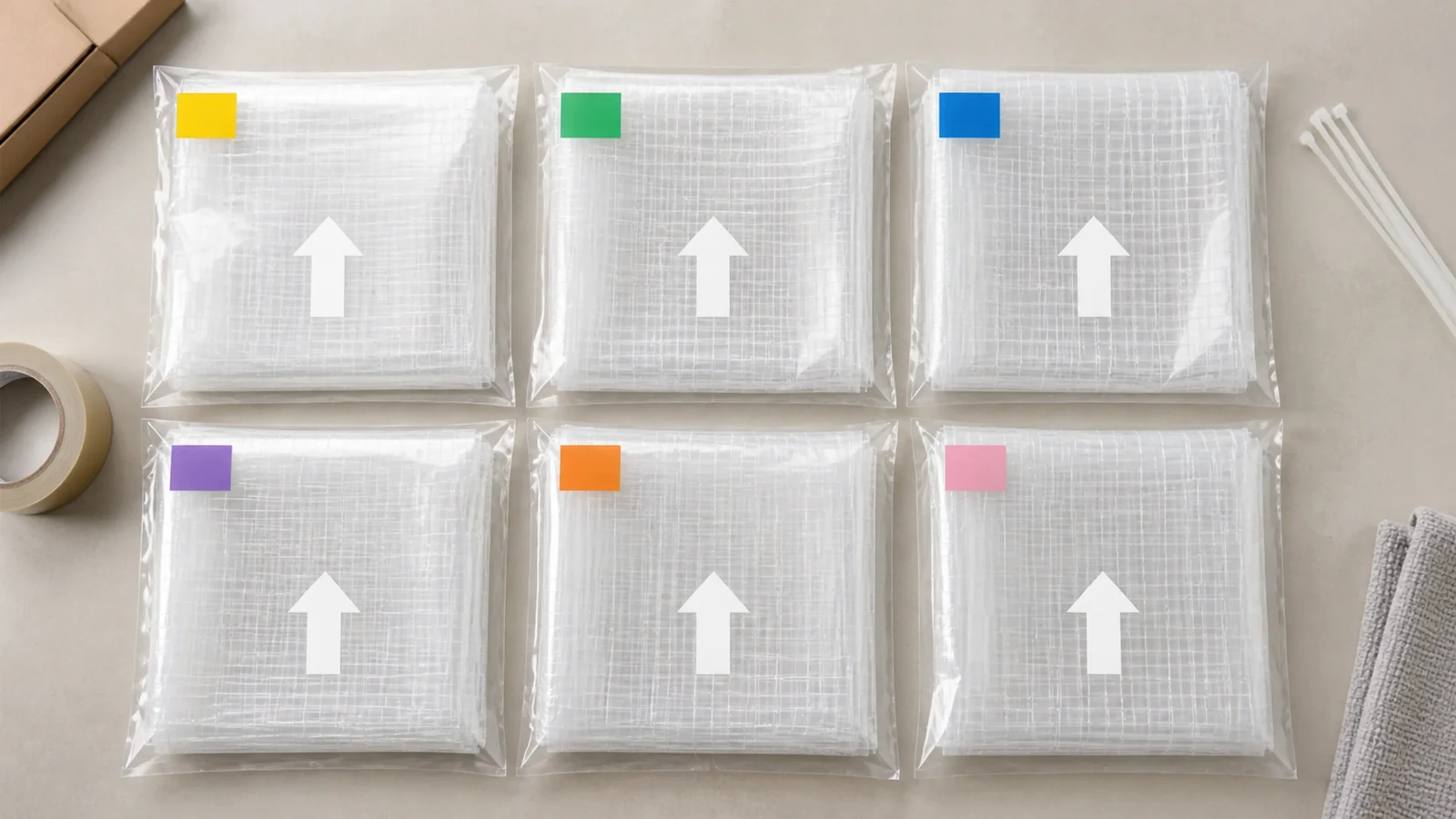
Create Opening Codes Before Measurement
Build codes from stable project information such as building, floor, unit, room, opening type, and sequence. Keep the format short enough for labels while unique across the whole order.
Avoid using only "left balcony" or an occupant name. Those labels can change or repeat. Put the code on the floor plan and the measurement sheet before survey begins.
The cat net measurement guide provides the dimensional fields that should sit under each code.
Add a Revision to Every Opening Record
Site dimensions can change after rail work, windows, tiles, paint, or pipes are installed. Give the opening schedule a revision and date. Mark superseded records clearly.
When one opening changes, decide whether the whole schedule or only that opening receives a new revision. The rule needs to be consistent and visible to cutting and packing teams.
Production release should reference the approved revision, not a photograph sent later through an informal message.
Specify Product Identity Per Panel
Record transparent nylon or stainless-steel-wire-reinforced net for each opening. Include mesh and strand fields, color, edge finish, and any approved panel preparation.
| Label Field | Purpose |
|---|---|
| Opening code | Connects panel to location |
| Survey revision | Prevents use of outdated dimensions |
| Product variant | Separates nylon and wire-reinforced net |
| Finished panel size | Supports packing and site check |
| Orientation | Identifies top, bottom, inside, or reference corner |
| Obstacle note | Links cutout or special edge to drawing |
| Pack count | Shows panel and accessory relationship |
Avoid shortening product names until two different variants look the same in the label system.
Mark Orientation Without Damaging the Net
Irregular openings may require a top edge, inside face, or reference corner. Use removable, approved labels or packaging markers that preserve the net. Keep labels away from a position that could be cut off during final installation.
The drawing should show the same orientation. For example, "viewed from inside, reference corner A is upper left" is clearer than an arrow with no viewing direction.
Record whether panels are supplied finished to size or require installer trimming. That distinction changes which dimensions and edge marks matter.
Link Obstacles to the Panel Drawing
Pipes, posts, rails, drains, and frame steps need individual references. Label them O1, O2, and so on within the opening record. Put the same code on drawings, photographs, and packing notes.
Avoid cutting a generic hole based on one site image. Dimensions, opening path, edge finish, and installer method need approval.
If the installer will complete obstacle fitting on site, state what material allowance and finishing components are included without pretending that one method fits every substrate.
Pack Panels and Accessories Together
Use an outer bag or carton label that repeats opening code, revision, product variant, panel count, and accessory pack reference. Place a protected copy of the packing detail inside when appropriate.
The distributor packing article explains how accessories can be grouped. Here, the critical control is the connection between panel and opening.
For a project pack containing several openings, add a master list and preserve separate inner labels.
Verify at Receiving
Count packs against the opening schedule before distributing them across the site. Check label readability, package damage, product variant, and listed dimensions without opening every panel unnecessarily.
Quarantine a pack with a missing or conflicting label. Avoid guessing from apparent panel size or color, especially where transparent net is difficult to distinguish when folded.
Record any relabeling with original and replacement identifiers and responsible approval.
Perform a Point-of-Installation Check
At the opening, match code, revision, material, orientation, and obstacle drawing. Compare key dimensions with the current site. If the opening changed, hold the panel and update the record.
Avoid swapping two panels merely because both seem to fit. A hidden edge preparation or obstacle position may differ.
Photograph the labeled pack at the opening before installation and retain the label for handover.
Handle Leftovers and Rework
After installation, label usable leftover material with product identity and project status. A trimmed piece is not automatically a replacement panel. Record dimensions and edge condition if it is retained.
Panels returned for rework keep the original opening code plus a rework revision. Avoid issuing a second unlinked identity that makes both pieces appear current.
Scrap and disposal follow the contractor's material-control process.
Run a Packing-Table Reconciliation
Before closing cartons, compare every physical panel label with the opening schedule, inner pack, accessory group, and outer carton. Use a second-person check for projects with repeated dimensions or mirrored openings. Record missing, duplicate, unreadable, and superseded codes before shipment. The reconciliation catches a common administrative risk: all panels may be present, yet one panel is assigned to the wrong opening or an obsolete revision remains in the pack.
Close With an As-Installed Schedule
Update the opening list with installation date, installer, panel revision, material, open issues, and handover photos. Preserve substitutions or approved changes.
The as-installed schedule supports later maintenance, replacement measurement, and distributor service. It also shows which unopened spare belongs to which opening.
Related Reading
- How to Measure Cat Netting creates the source opening record.
- Cat Net Distributor Packing links panels with accessory sets.
Common Questions
Can identical-size panels share one code?
Separate opening codes preserve location and revision even when dimensions match.
What happens when a label is lost?
Hold the panel and reconcile dimensions, product identity, packaging records, and drawings before issuing a controlled replacement label.
Is an arrow enough to show orientation?
Add the viewing direction and reference corner so the arrow has an unambiguous meaning.
Can installers swap panels on site?
Any substitution needs verification and an updated as-installed record.
Send the Opening Schedule With the RFQ
Use the MaxCatNet contact page to share opening codes, revisions, product variants, dimensions, orientation rules, obstacle records, packaging groups, and installer labeling needs. A panel is useful only when its identity reaches the correct opening.